Have you ever looked at three ERP software solutions, whose demos look great? But now you have no idea which one is right for your business. That feeling is more common than you think.
Most companies pick the wrong Enterprise Resource Planning system. Not because they were careless, but because no one gave them a real way to compare. They go with the best demo. Or the lowest number they see. Then six months later, they’re stuck.
This guide gives you a clear checklist. You’ll know exactly what to look for before you sign anything. PrimeStation has helped businesses make smarter tech decisions, and this is the framework we use.
Table of Contents
ToggleKey Takeaways
- Compare ERP systems on features, scalability, and total cost.
- Build your checklist before you talk to any vendor.
- Scalability is the most overlooked factor in ERP selection.
- Hidden implementation costs often cost more than the software itself.
What Is ERP and Why Comparing Systems Is So Hard
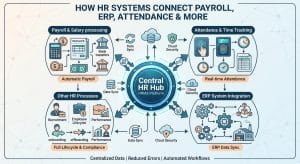
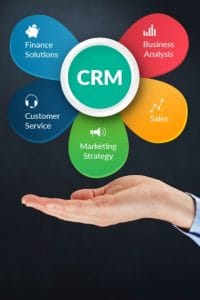
ERP systems software connects your whole business in one place. Finance, HR, inventory, sales, and all in one system. That sounds simple. But every vendor builds it differently.
When you compare ERP systems, you realize fast that each one is built for a specific type of business. A manufacturing ERP looks nothing like a retail ERP. Generic comparison charts won’t help you here. You need to compare based on your actual workflows.
ERP Features Checklist: What to Look for First
Every ERP system comes with a long list of features. Most of it sounds impressive. But not every feature will matter to you. Ask yourself one question: which features will I use on day one?
1. Core Features
Start simple before you get excited about advanced tools.
- Financial management: invoicing, reporting, and tax tools
- Inventory tracking: real-time stock levels and purchase orders
- HR and payroll: employee records, payroll, and attendance
2. Integration Capabilities
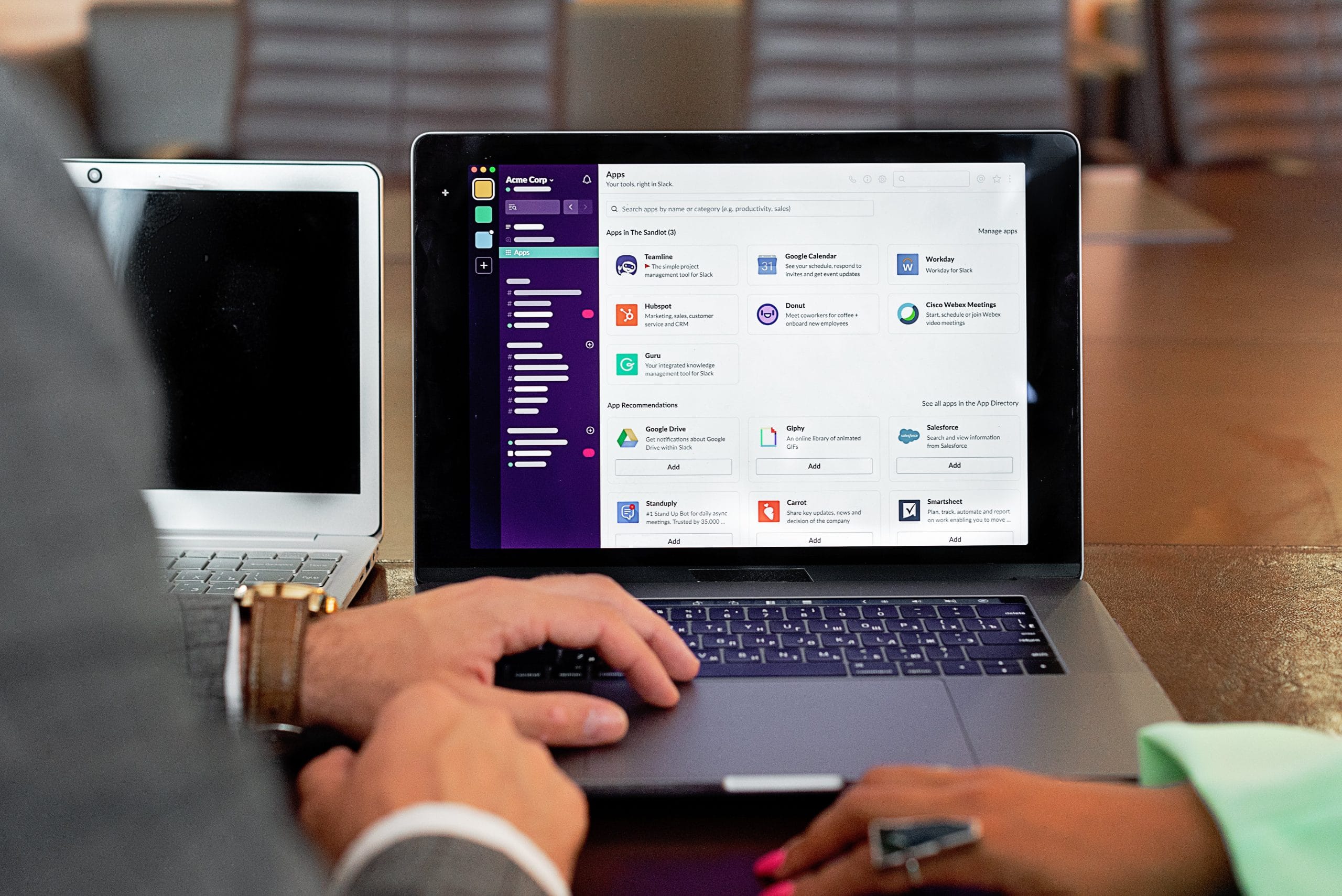
A good integrated ERP system connects with tools you already use. Ask vendors exactly which software they connect with. If they hesitate or go vague, that’s a red flag.
3. Reporting and Dashboards
Your team needs clear data, not just raw numbers. Look for systems that allow non-technical users to build their own reports. Simple dashboards save hours every single week.
Evaluate ERP Vendors Without Getting Fooled
Evaluating ERP vendors is where most businesses go wrong. A smooth demo is not proof the software works for your business.
Use a structured ERP evaluation checklist every time. Score each vendor on the same list. Don’t let a good sales call override a poor technical fit.
1. Ask for a Real Pilot
Ask vendors to run a real test with your actual data. A 30-day pilot tells you more than a 2-hour demo ever will. If a vendor says no, walk away.
2. Support and Training
Ask what happens when something breaks on a Friday night. Ask how long onboarding takes and who leads it. Weak support ruins good software fast.
ERP Pricing Comparison
Most businesses only look at the monthly fee when doing an ERP pricing comparison. That’s a mistake.
The hidden costs of ERP implementation add up fast. Use this table before you sign anything.
| Cost Category | What to Ask Vendors |
|---|---|
| Implementation & Setup | Is this flat-rate or hourly? |
| Data Migration | Who handles it and what’s included? |
| Training | How many sessions? Who delivers them? |
| Customization | What’s the rate for changes after go-live? |
| Ongoing Support | Is it included or a separate plan? |
| Upgrades | Are future updates included? |
A real ERP software pricing comparison guide looks at your full 3-year cost. Not just year one.
Measure ERP Scalability Before You Buy
ERP scalability is the thing most businesses forget to test. You need a system that grows with you, not one you’ll replace in two years.
Knowing how to measure ERP software scalability means asking the right questions now.
Ask vendors how the system performs when your order volume doubles. Ask how many users it handles at once. Ask if your plan changes significantly when you add new locations. These answers tell you a lot. If a vendor gets uncomfortable with these questions, pay attention to that.
How to Compare ERP Software for Small Businesses
Comparing ERP software for small businesses requires a different approach. Small businesses have tighter resources and less IT support.
The best ERP system for a small business is not the most feature-rich one. It’s the one your team can adapt and use easily.
Look for clean interfaces and short setup times. You don’t need every module on day one. A system that grows with you gradually is far better than one that overwhelms your team from the start.
My Honest Opinion About ERP Selection
I want to be straight with you. ERP selection is genuinely hard. No guide, including this one, makes it easy.
Here is the warning most guides skip. ERP failure rates sit between 50% and 75%. The software is rarely the only problem. The real damage usually comes from three places:
- Poor internal planning before the project even starts
- Weak leadership buy-in from the people who should champion the rollout
- Skipped or rushed training once the system goes live
Don’t rush this because of a vendor’s end-of-quarter discount. That tactic is designed to stop you from thinking clearly.
A careful ERP software comparison almost always leads to a better outcome than a rushed one. Use clear ERP selection criteria. Stick to your checklist even when a vendor is charming. The one you pick will touch every part of your business.
Conclusion
Comparing ERP systems is not about finding the most features. It’s about finding the right fit for your business today and three years from now.
Do these three things next. First, write down your top five business problems that need fixing right now. Use that list to filter every vendor you talk to. Second, test with real data. Third, involve your team early.
The right ERP won’t feel perfect on day one. But it will feel like it belongs in your business. Take your time and don’t sign until you’re sure.
Frequently Asked Questions
1. How do I compare ERP systems without getting overwhelmed?
List your must-have features before talking to any vendor. Build a simple scoring sheet. Grade every vendor the same way. This stops slick demos from clouding your judgment.
2. How long does ERP implementation take for a small business?
Most small business implementations take 3 to 6 months when planned properly. Always add a 30-day buffer to whatever timeline a vendor gives you. Rushed timelines are a leading cause of failure.
3. What should I ask ERP vendors before signing?
Ask about total setup costs, support response times, data migration ownership, and upgrade policies. Always request references from customers in your industry. Get every fee in writing before signing.
4. Is cloud ERP better than on-premise ERP for growing businesses?
Cloud ERP scales faster and needs less internal IT support. On-premise gives more control but costs more to maintain. Your decision depends on your IT capacity and security needs.
5. How do I know if my current ERP is no longer scalable enough?
Watch for slow performance, manual workarounds, and missing integrations. If your team is working around the ERP instead of with it, it’s time to re-evaluate your system.